Reading & Libraries
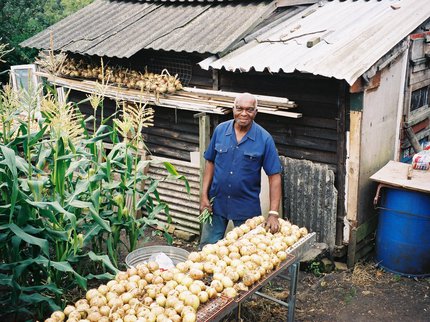
Inspire Poetry Festival 2026 - Caribbean Pioneer Gardeners Exhibition
Discover the experiences of six Caribbean gardeners of the Windrush generation and their legacy at …
Did you know ? We've been bringing you culture, learning and libraries since 2016. Find out more about 10 years of Inspire.

We advise booking PC access before visiting us. You can book via Ask Inspire by phone on 01623 677 200 or email ask@inspireculture.org.uk
You can also book through our online booking system.
We've made some exciting improvements to ICT in our libraries, including PC and WiFi upgrades, a new PC booking system, print from home or on the move from your own device, as well as card payments at some of our libraries.
From library computers you can access the internet and use our installed word processing and desktop publishing software.
Inspire also has subscriptions to a number of online reference resources which can be accessed by people using the computers in our libraries. These include ancestry and archive services.
Free wifi is available in all of our libraries. You no longer need your library card to access this service.
Our libraries have now moved to a new booking system as part of the improvements made to ICT in our libraries.
Visit our online booking system to reserve a computer in advance.
To book:
Please note: the online booking link does not work when booking from a library Public PC. There is a dedicated link located on the Desktop of the Public PCs instead - please speak to a member of library staff if you need further assistance.
For help with bookings please contact Ask Inspire by phone on 01623 677 200 or email ask@inspireculture.org.uk.
We have the following facilities available:
Reading & Libraries
Discover the experiences of six Caribbean gardeners of the Windrush generation and their legacy at …
Reading & Libraries
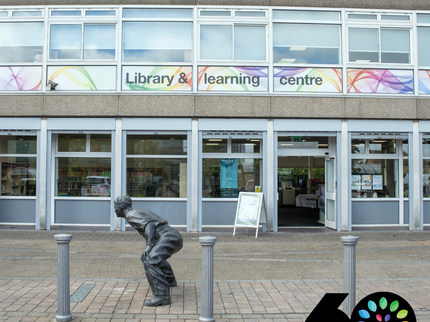
Join us to celebrate the 60th anniversary of the opening of Kirkby-in-Ashfield Library!

Reading & Libraries
Stephen Booth will talk about the magic of reading and what draws so many thousands of readers into…

By becoming a library member you will be able to borrow books and items for FREE in libraries across the county, including mobiles. You can also access eResources, Ancestry and more!
Not a member yet? Join us - become a library member